Install the free Trikker demo
Download Trikker, install it and start drawing right away. No account, no licence code and no payment.
Download the demo version
One file for Windows. The installation takes about a minute, and Trikker then starts as the demo version on its own.
No account, no licence code, nothing to fill in.
What you can do with the demo version
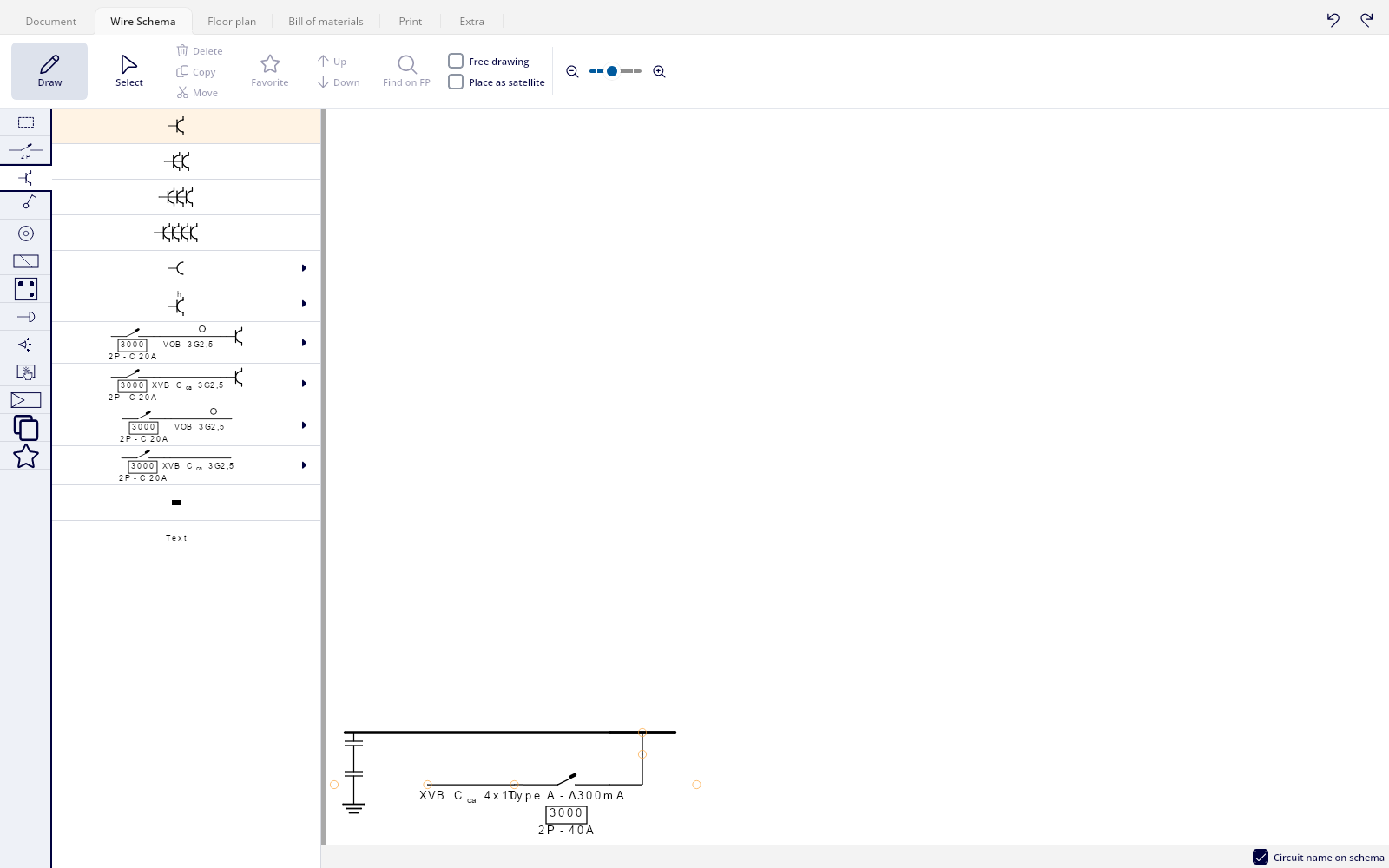
The demo version is the real Trikker, with the same symbol library as the paid version. You draw a single-line diagram, you fill in the situation plan and you look at the bill of materials that Trikker puts together itself. So you find out in your own way of working whether Trikker suits you, before you buy anything.
The demo version stays free and does not expire. Three things differ from a version with a licence:
- You draw at most five circuits on the single-line diagram.
- The situation plan stays limited to one page.
- Every printed page carries a watermark.
How the installation works
- Download the installation file with the button above.
- Open the file you just downloaded and follow the installation.
- Start Trikker. It opens as the demo version, so you can draw straight away.
Does the download stall, or does your company network block it? Then take the offline version: one single file that installs without fetching anything else from the internet.
Working on a Mac, or curious about Trikker 2.0?
Trikker 2.0 is the completely renewed Trikker, and the only version that runs on macOS. It is available as a beta today: almost finished, but not yet final. Read on the beta page what to know before you try it.
Beta for WindowsBeta for macOS
When you want to go further
Does Trikker work for you? Then pick a licence and enter your licence code under the Extra tab. The demo limits disappear, and you keep working in the drawing you already started.
Need a hand?
Stuck during the installation, or does something behave differently than you expected? Let us know through the helpdesk and we will look into it with you.
On the forum, other users and our own team swap tips about drawing in Trikker.