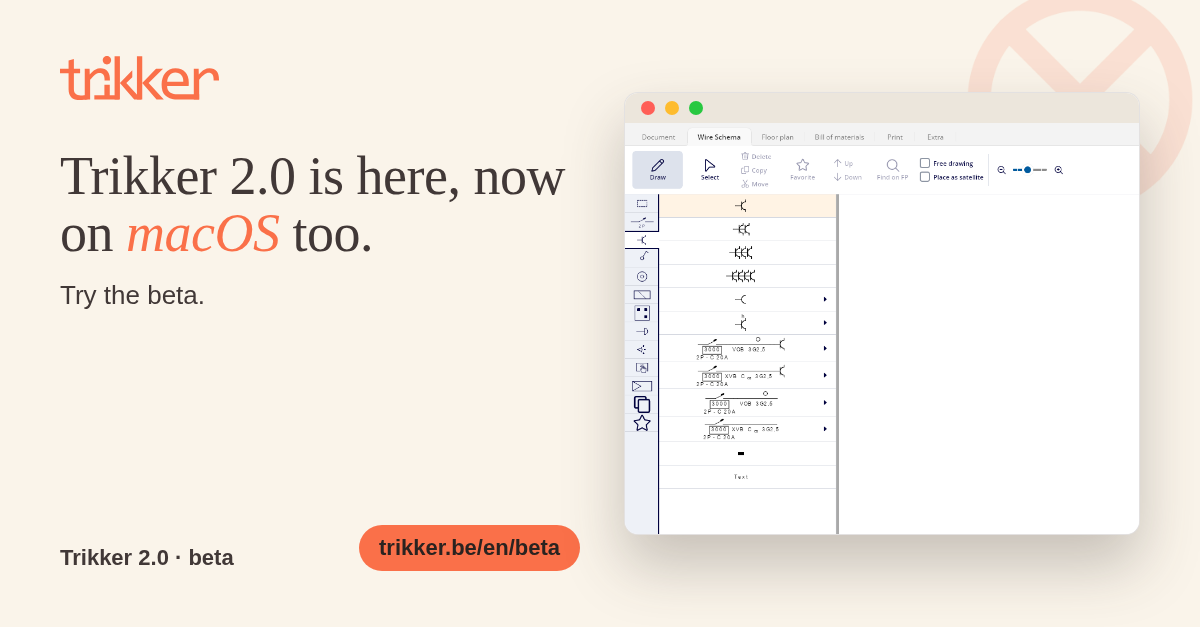
Trikker 2.0 beta: what to know before you try it
Trikker 2.0 is now available as a beta for Windows and macOS. Here is what makes it different from the Trikker you know today.
Download the beta
Choose your platform. For Windows you download a zip file with the installer, for macOS a disk image (.dmg). The beta installs alongside your current Trikker.
Download for WindowsDownload for macOS
Check the system requirements at the bottom of this page before you install.
What is a beta, and what can you expect?
A beta is a version that is almost finished and that we already open up, so you can try it in your own daily work before it becomes final. It contains all the new features, but it has not yet been tested by every user and in every situation. That is exactly what we are doing now, together with you: your experience shows us what still needs work.
The beta is a separate, standalone version of Trikker. It runs alongside your current Trikker installation, so trying it does not change or replace the version you already use every day.
This beta closely approaches the quality and reliability you expect from Trikker, but it is not the final release. You may run into bugs, rough edges, or features that behave slightly differently than you are used to.
When does the final version come?
The official production release of Trikker 2.0 follows once the beta has done its job. It depends on how the beta goes: the fewer problems we find together, the sooner we take that step. We hope that is soon, but we are deliberately not putting a date on it yet. Until then, your current Trikker keeps working alongside the beta, and your licence stays valid.
What's new in Trikker 2.0
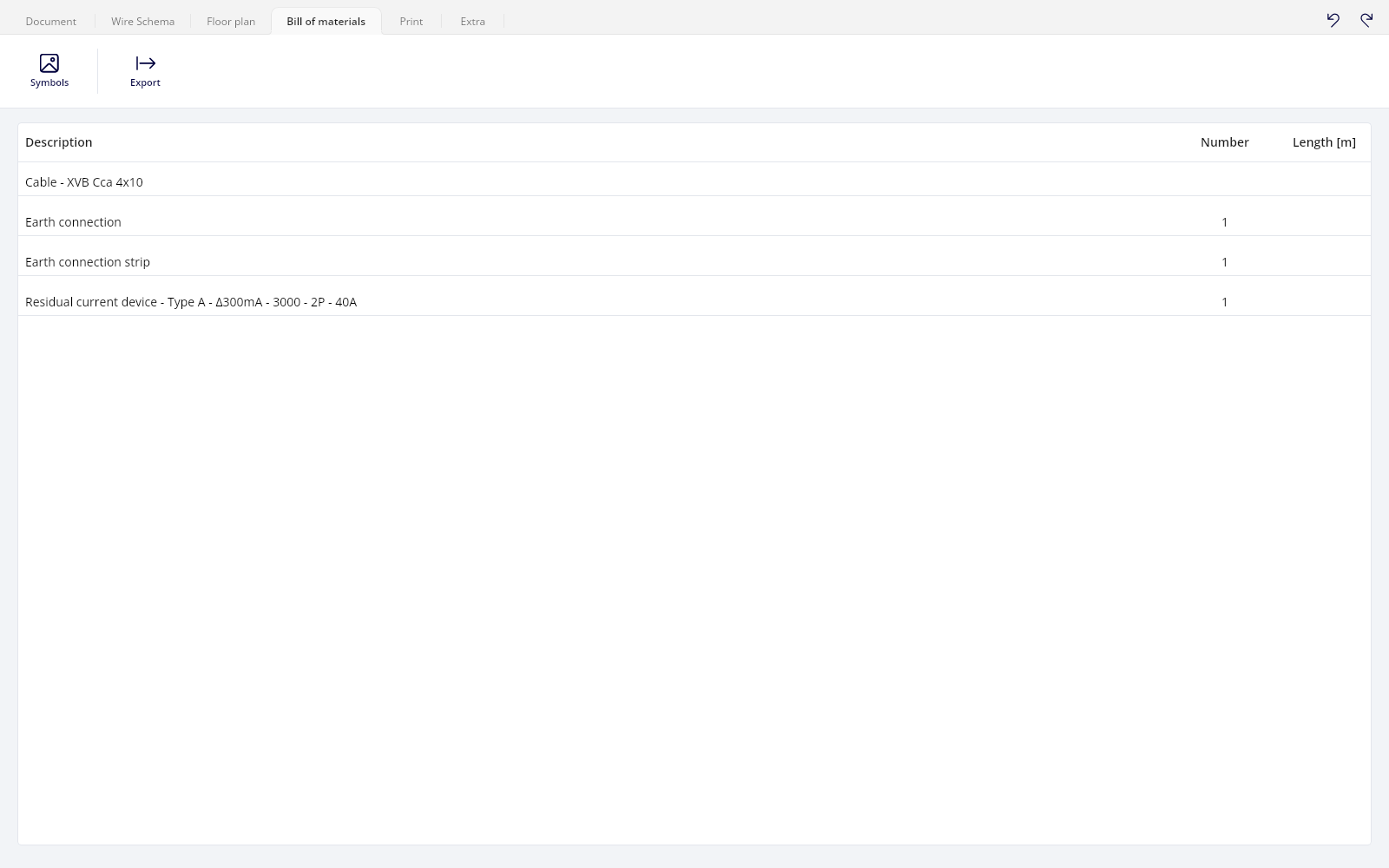
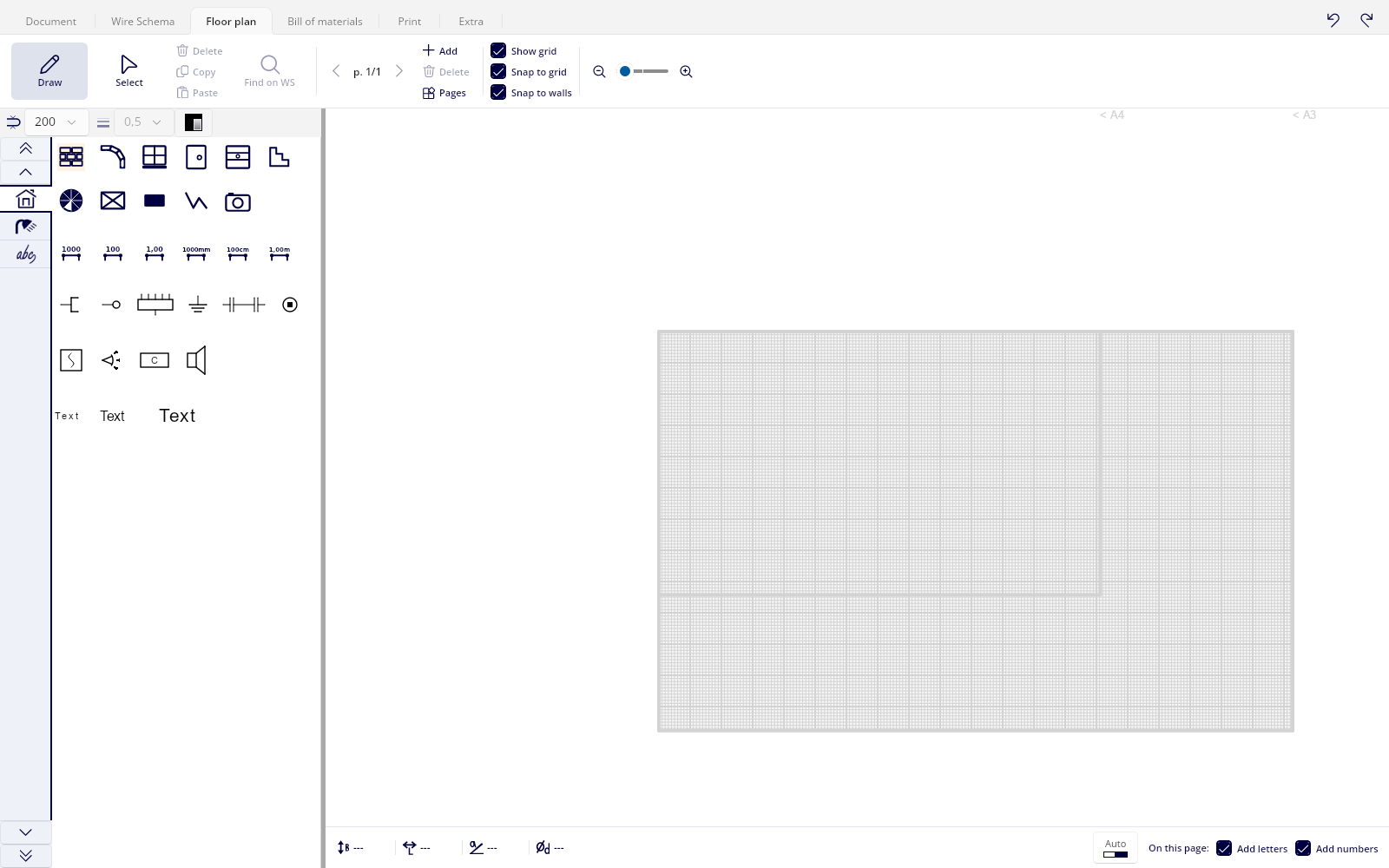
Trikker 2.0 is the biggest release in the history of Trikker. Under the hood, the whole application was rebuilt on a new technology base. That is what makes a version for macOS possible, and it lets us add new features faster from now on. On screen you will find a renewed, clearer interface, while the way you draw stays familiar: the wire schema, the situation plan and the bill of materials are where you expect them.
With Trikker 2.0 we are not only building a new version, but a platform for the future.
Also on macOS
For the first time Trikker runs on your Mac, without Parallels or Boot Camp.
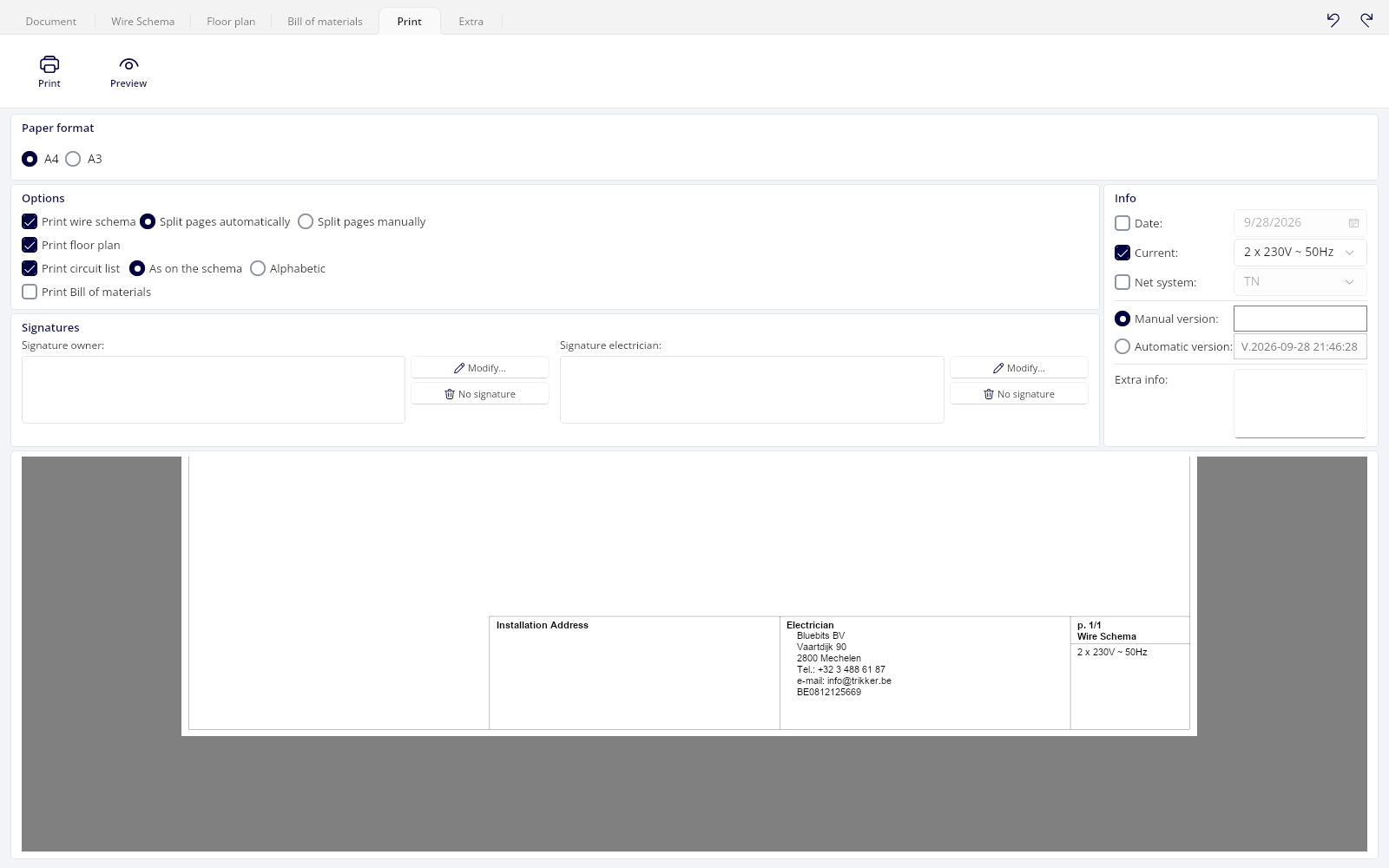
Printing in PDF
Your schematics come out as a PDF right away and without errors.
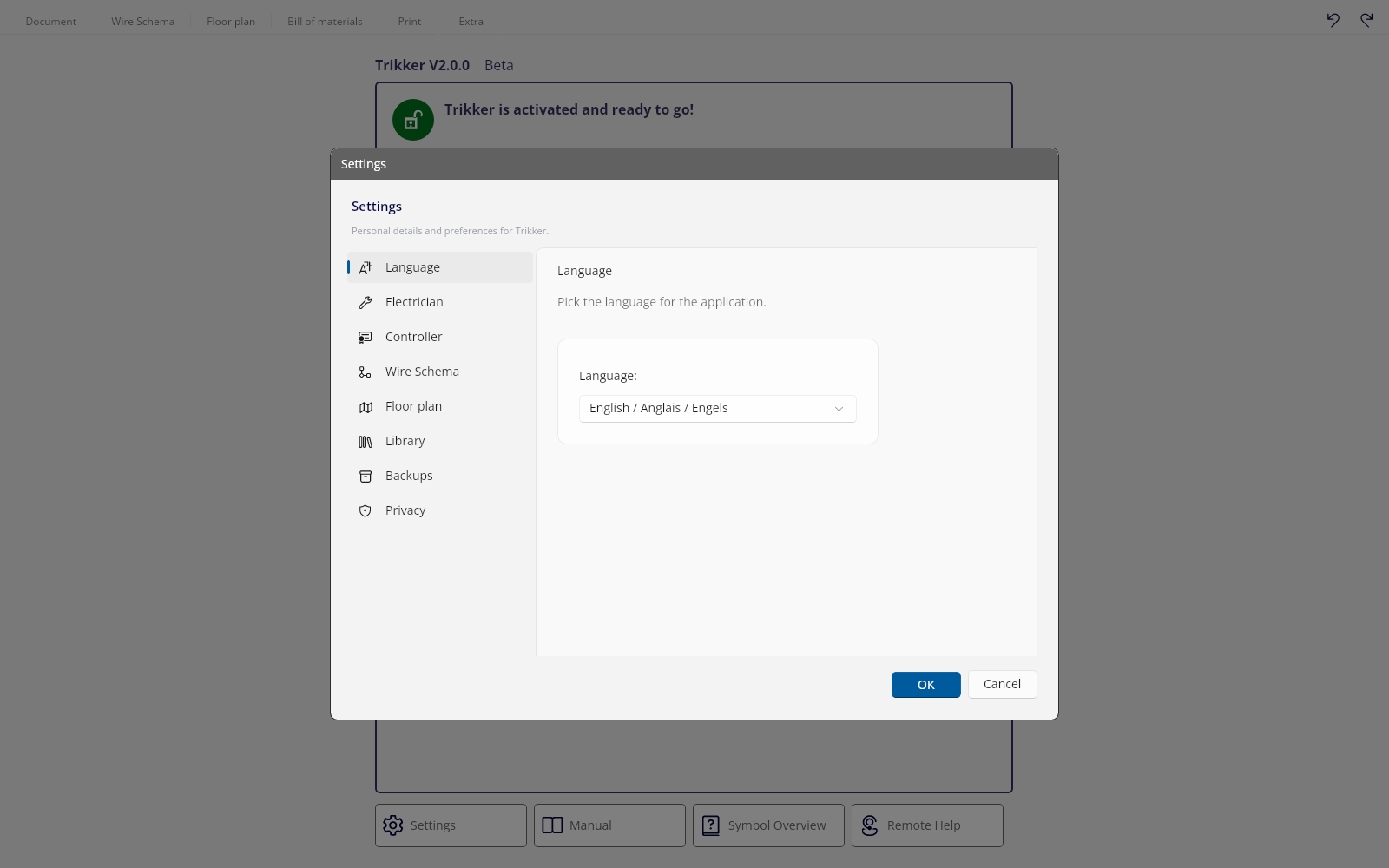
Six languages
German, Polish and Romanian join Dutch, French and English.
Until now, Trikker only ran on Windows, and anyone working on a Mac needed Parallels, Boot Camp or a separate PC. With this beta, Trikker runs directly on macOS for the first time. The screens are the same as on Windows, so you find your way straight away. Because macOS is brand new for Trikker, expect that version to need a bit more polish than the Windows version before it feels fully settled. If you run into something on your Mac, please let us know.
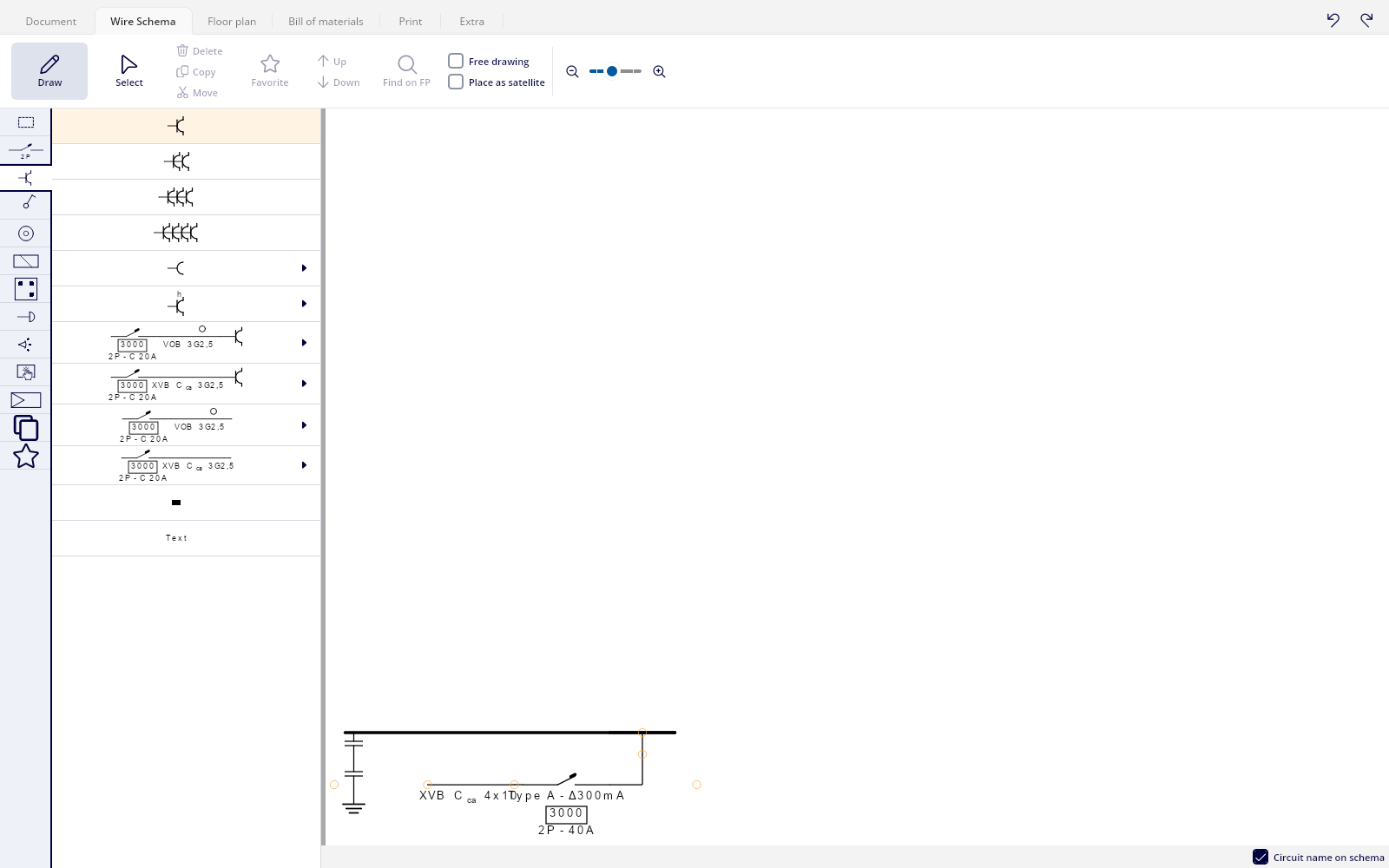
This beta also brings a series of new features:
- Three new languages: German, Polish and Romanian, alongside Dutch, French and English.
- Change the application language without restarting Trikker.
- Automatic updates: Trikker tells you when a new version is available, and your open work is never lost.
- Start a remote help session with our helpdesk directly from Trikker, on Windows and on macOS.
- Import your signature as an image instead of drawing it.
You notice the difference in your daily work too:
- Faster start-up, without confusing printer messages.
- Automatic backup now runs at the interval you set, not only when you save.
- The situation plan menu was redesigned for quicker selection, with clearer icons.
- Larger, easier to recognise symbols in the bill of materials.
- Better support for multiple monitors with different display scaling.
On top of that, we fixed a long list of issues: files that would not open, DWG, DXF and PDF plans that imported incorrectly, printing that produced a grey or black area, pasting images into the situation plan, and more reliable selecting and dragging of symbols.
To run on more than one platform, Trikker 2.0 prints in a new way: it creates your print directly as a PDF. For you that changes nothing, quite the opposite: your schematics come out as a PDF right away and without errors, ready to save, share or print on paper.
Manual, feedback and help
The beta has its own manual, with screenshots of every screen, so you quickly find how something works in the new version. It carries the exact beta version number, so you always know which build it describes.
Found something that does not work, or do you have an idea to make Trikker 2.0 better? Let us know on the forum. During the beta it is the fastest way to reach us, and it helps other users too: they see what has already been reported and how we solve it. That is how we decide together what to tackle first.
A question about your licence, or stuck during the installation? Our helpdesk is happy to help.
System requirements
This is what you need at a minimum to install and use the beta.
Windows
- Windows 10 or Windows 11.
- The .NET 10 Desktop Runtime from Microsoft. Is it missing? Then the installer offers to download it for you.
macOS
- macOS 13 (Ventura) or later.
- A Mac with Apple silicon (M1 or newer). Macs with an Intel processor are not supported in this beta.