
Trikker 2.0 is here. After this autumn's beta, our biggest update ever is now ready for everyone, on Windows and, for the first time, on macOS too.
At the end of September we opened Trikker 2.0 as a beta. Since then, many of you have tested the new version on your own diagrams and told us what could be better. With that feedback we finished Trikker 2.0. Today it is no longer a beta, but the version you work with every day. Behind this milestone is more than a year of work: we rebuilt Trikker from the ground up, with a refreshed look, on a foundation that shapes what Trikker can become in the years ahead.
Ready to switch? Download Trikker 2.0 for your platform.
With Trikker 2.0 we are not just building a new version, but a platform for the future.
What changes for you?
On macOS too
For the first time, Trikker also runs on your Mac, without Parallels or Boot Camp.
Printing to PDF
Your diagrams go straight to PDF without errors, ready to share or print.
Six languages
Besides Dutch, French and English, now also German, Polish and Romanian.
A refreshed, clear look
The first thing you notice is the new interface: calmer, clearer and more modern. What you know, you find right away. The single-line diagram, the floor plan and the materials list are where you expect them, and drawing works the way you are used to.
At the top are the six tabs: Document, Single-line diagram, Floor plan, Materials list, Print and Extra. Press Ctrl and a number from 1 to 6 to jump straight to a tab (Command on a Mac). Below the tabs, each screen has a toolbar with large, clear buttons, such as Draw and Select, and a zoom slider.
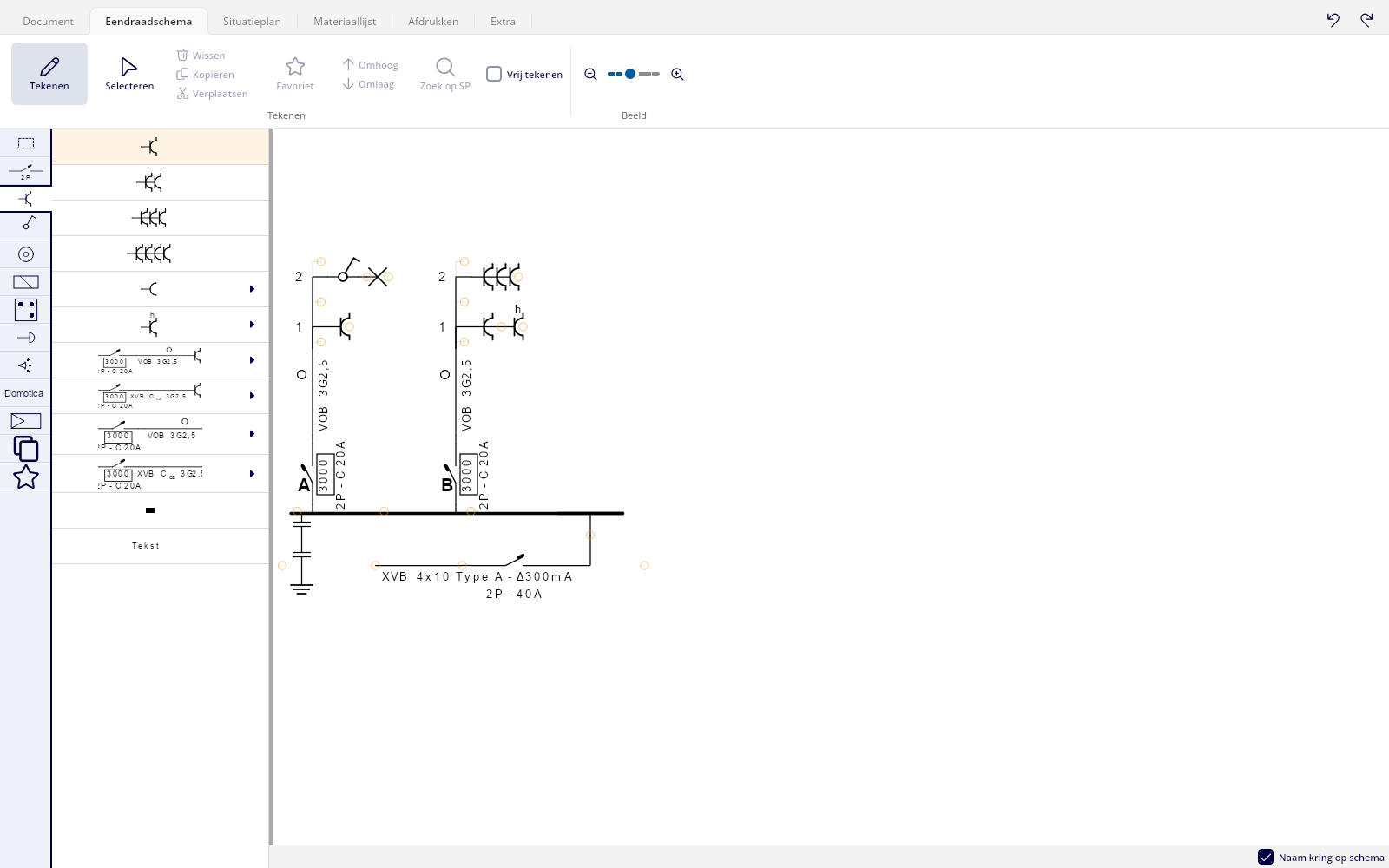

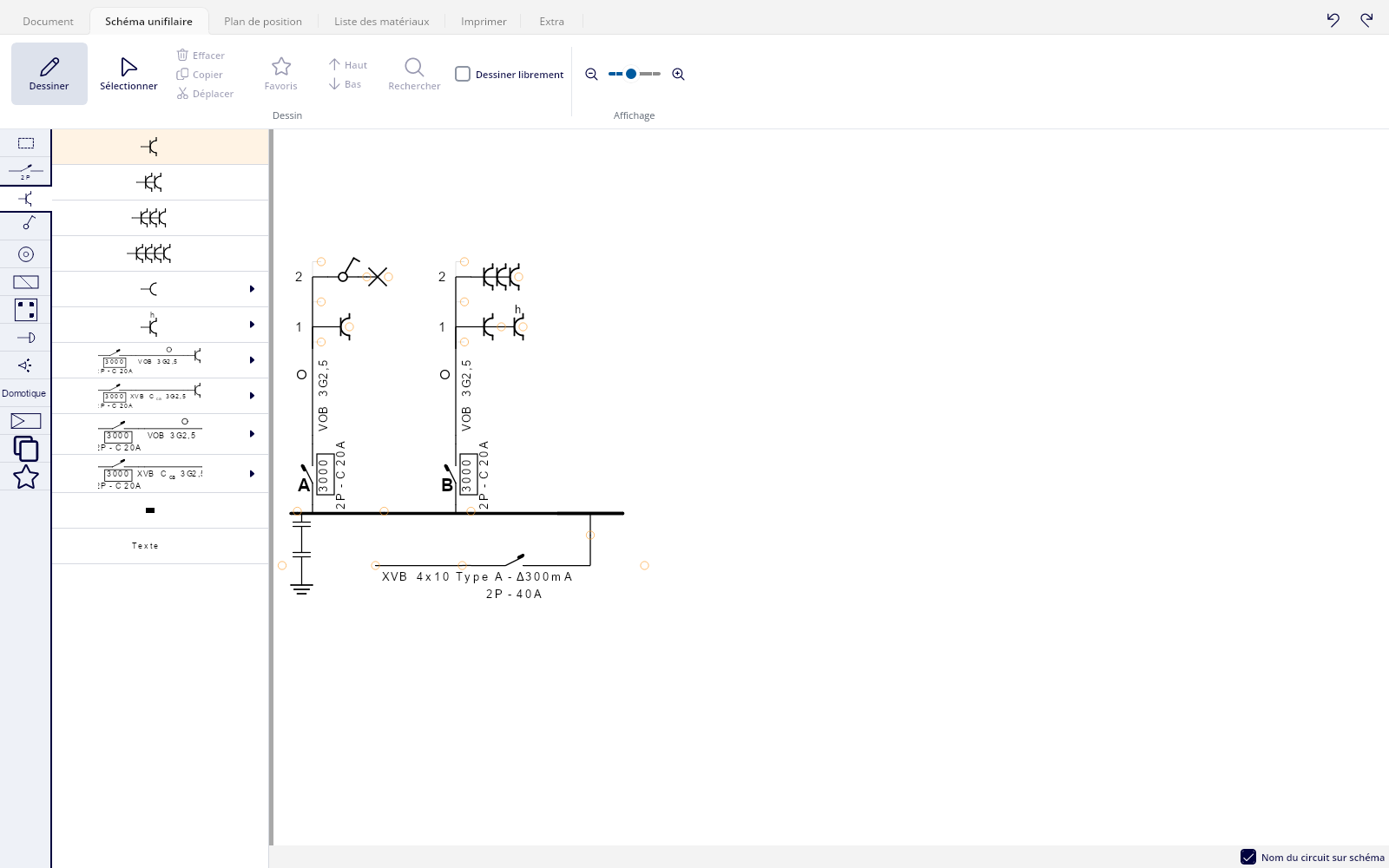
For the first time on your Mac
Until now, Trikker was tied to Windows. Thanks to the new foundation, the same Trikker now also runs on your Mac. The screens are the same on every platform: work on your PC today and on your Mac tomorrow, and you will find your way right away.
Trikker 2.0 also handles printing differently: your printout comes straight out as a PDF. Your diagrams are ready right away and without errors to save, share or put on paper, the same way on every platform.
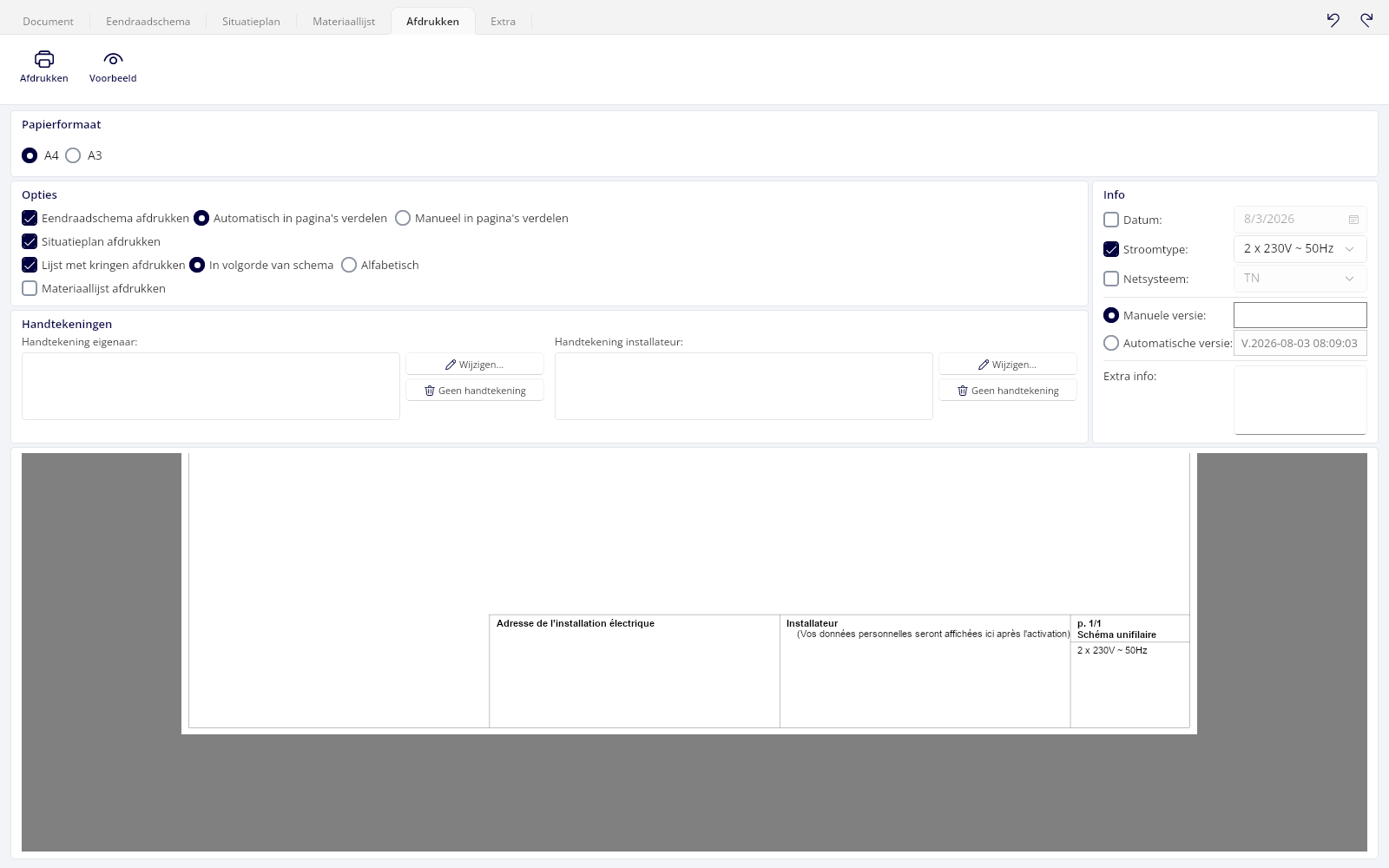

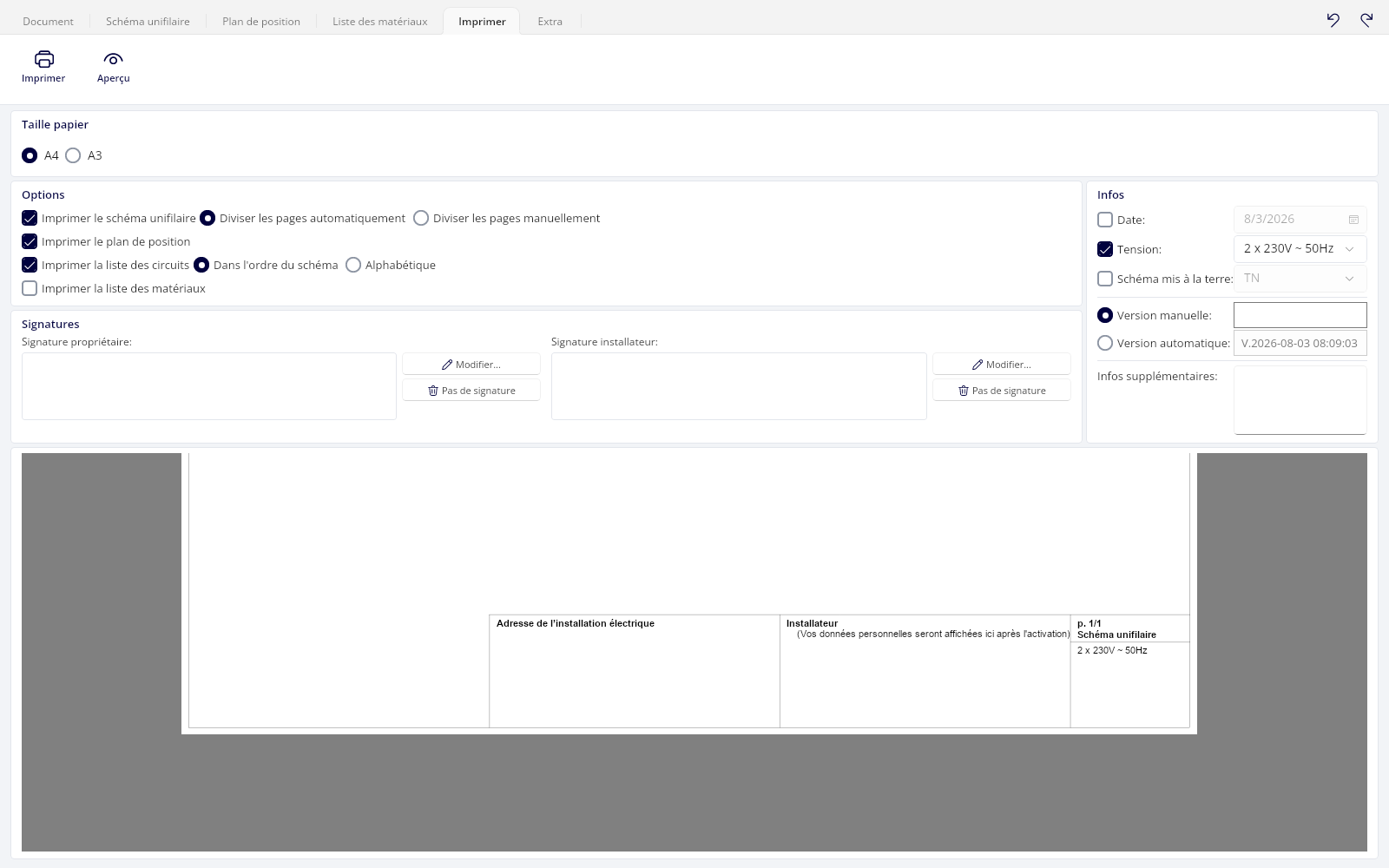
Six languages, and always the latest version
Trikker now speaks six languages: Dutch, French and English, and new, German, Polish and Romanian. You switch languages in the settings, under Language, and Trikker follows right away, without a restart.
Trikker now keeps itself up to date. When there is a new version, Trikker tells you itself, and the work you have open is never lost.
What do you need?
- Windows 10 or Windows 11.
- macOS 13 (Ventura) or later, on a Mac with Apple silicon (M1 or newer).
Your license simply works with Trikker 2.0: there is nothing to buy again. Your existing diagrams open in the new version without any extra steps.
How everything works, with a picture of every screen, is explained in the new Trikker 2.0 manual.
How everything works, with a picture of every screen, is explained in the new Trikker 2.0 manual.
Comment tout fonctionne, avec une image de chaque écran : découvrez-le dans le nouveau manuel de Trikker 2.0.
Switch now
Are you still working with an earlier version of Trikker? Then we recommend switching to Trikker 2.0 now, whatever version you have. New features and improvements will come to Trikker 2.0 from now on.
One more reason: since the Windows update of 10 November (.NET 10.0.15), Trikker 1.5.104 no longer starts for some users. Trikker 2.0 does not have that problem.
And this is only the beginning
Trikker 2.0 is the foundation we will keep building on in the years ahead. First, we are working on a web version of Trikker that you use in your browser, also on a tablet. It will be in beta before the end of this year. We can add new features faster and more easily, and we keep listening to what you need.
Do you have a question or an idea, or is something not working? Let us know on the forum.
You can read what changes in each new version of Trikker 2.0 in our release notes.