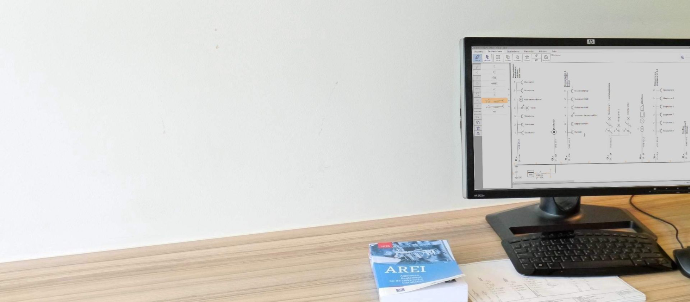
Draw your single-line diagram and site plan in minutes
Built with and for electricians for over 15 years: simple to use, fully AREI compliant.
Install

15+ years of experience
14,000+ electricians
AREI compliant
Complete and ready to use software
With over 15 years of experience in planning software for electricians we know what our customers want: a complete, easy and ready to use solution tailored for their specific needs.
And all of this in accordance with the latest obligations from the AREI.
From a blank sheet to an inspection-ready plan
Draw your single-line diagram
Drag AREI symbols onto your sheet and connect your circuits.
Add your site plan
Draw your floor plan, or import an AutoCAD file (DWG) and place your symbols.
Print or export
Ready for the inspection, in one click.
Collect your bill of materials
Trikker builds a bill of materials from your diagram automatically.
14,000+ electricians use Trikker
to draw their schemas.
Make your life easier and join a community of like minded professionals.
One license, all features
Choose monthly or yearly. Always cancellable, all features included. Students use Trikker for free.
See the pricesMore than software
Product development
Always up to date with the newest regulation, trends and customer demand.
Community Oriented
Our community is key, we listen and offer a forum for our community to interact with us and with each other.
First class support
We are known for offering great support. You have a problem? Let us know.

Frequently asked questions
Here are some common questions about our software.
Trikker can be installed on Windows 10 and Windows 11. Windows 7 and 8 are no longer supported.
Currently, we do not support any other Windows versions, MacOS, Android, or iPad.
At the end of summer 2026, a MacOS version will be released, shortly followed by a web version of Trikker that will allow Trikker to run on Android or an iPad.
You can reach our customer service team by contacting us through the contact page. Our team is ready to help with any questions or issues regarding our software.
We’re committed to providing prompt and effective solutions to ensure your satisfaction with our software services.
Without a licensing key Trikker will start in demo-mode which has these limits:
- A maximum of 5 circuits on the single-line schema;
- A maximum of 1 page on the situation plan;
- On all pages a watermark will be print.
When you buy a license you will get a license key that will unlock the full version of Trikker.
Ready to start drawing?
Install the free demo and draw your first single-line diagram today.
Subscribe to our newsletter
Be the first to discover the latest products, trends, and news.